

Every couple has a different vision for their big day, and your Honeyfund page should reflect yours. That’s why we’re launching new customization features that let you personalize your page your way. Every feature is optional, so whether you want a simple registry page, a full wedding website, or something in between, it’s entirely your call.
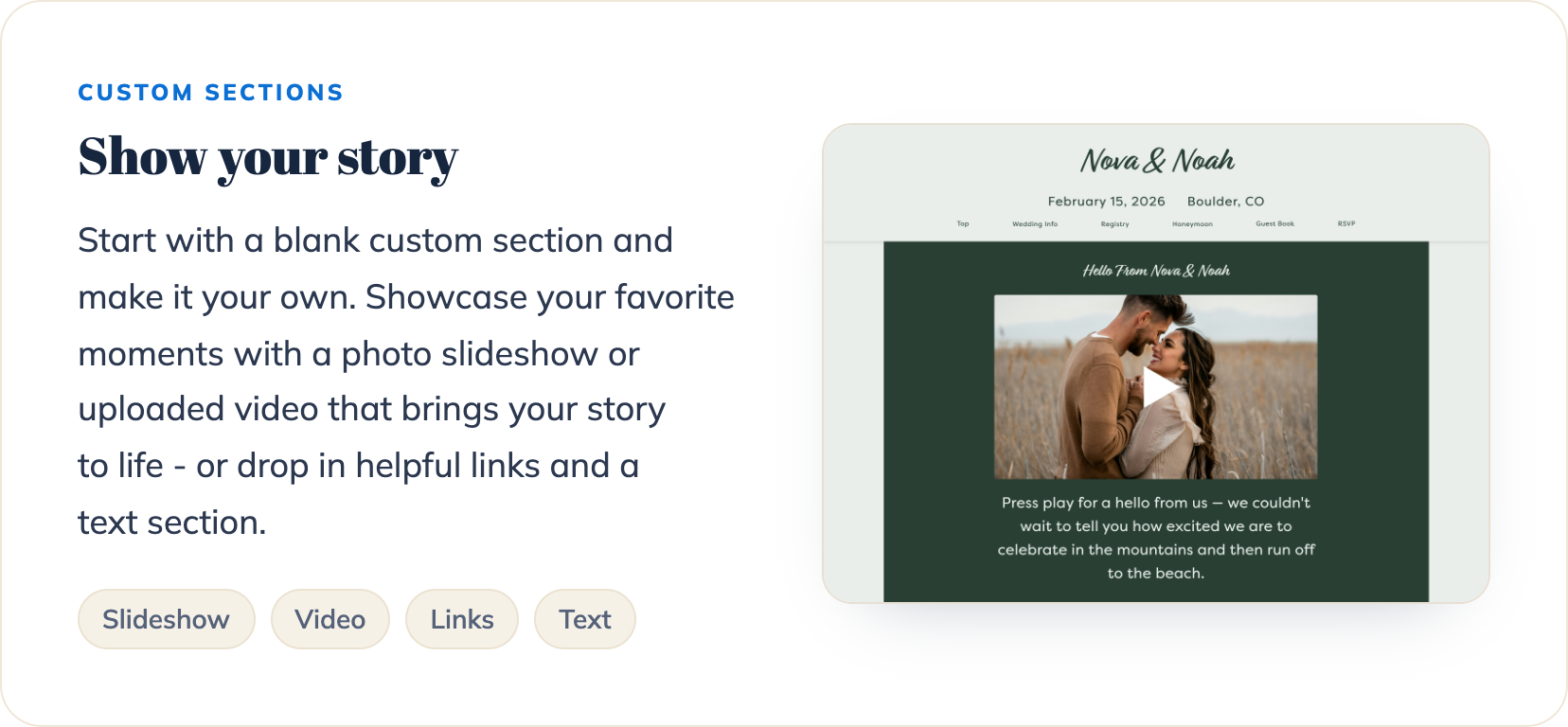
1. Show your story
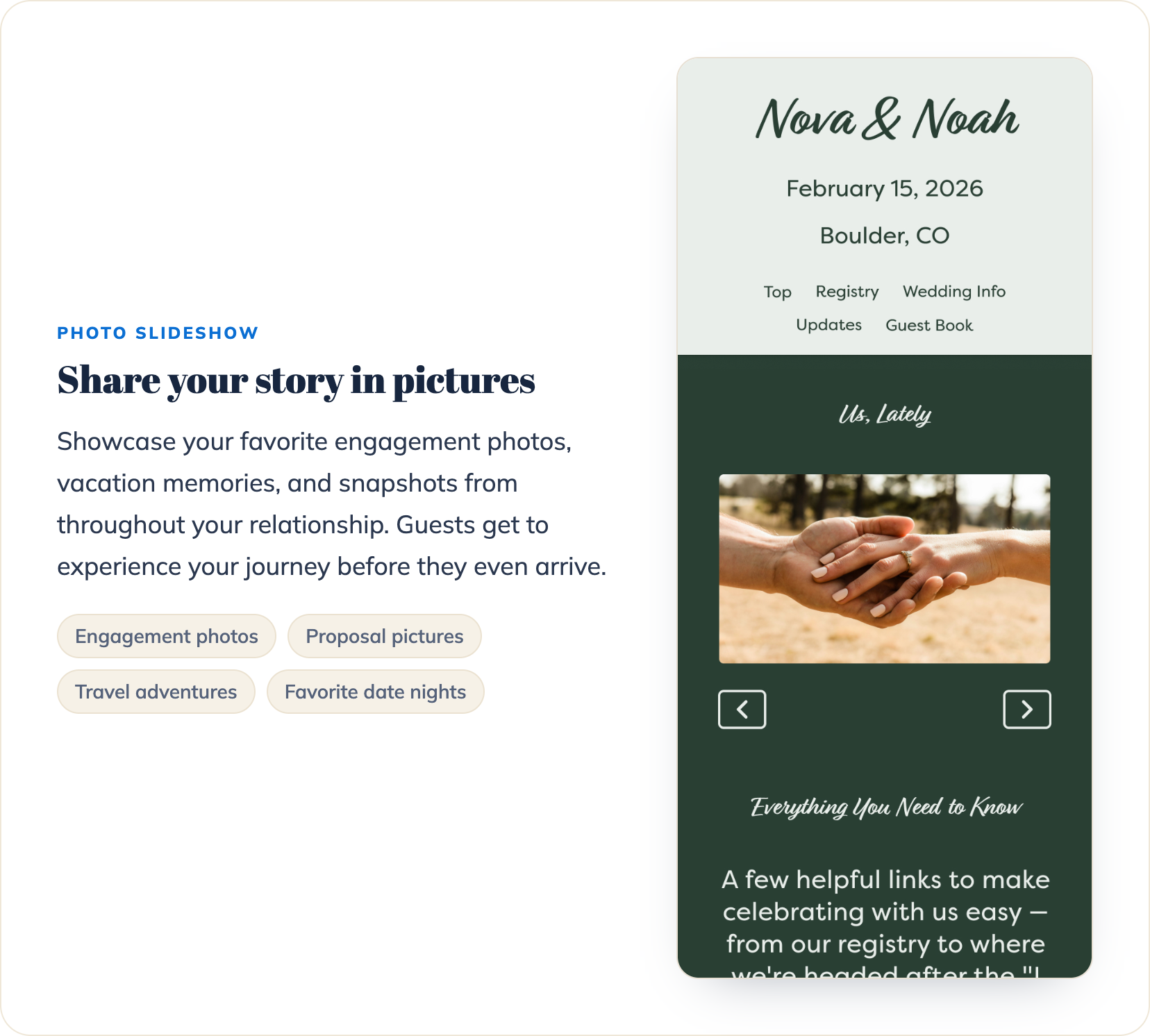
2. Share your story in pictures
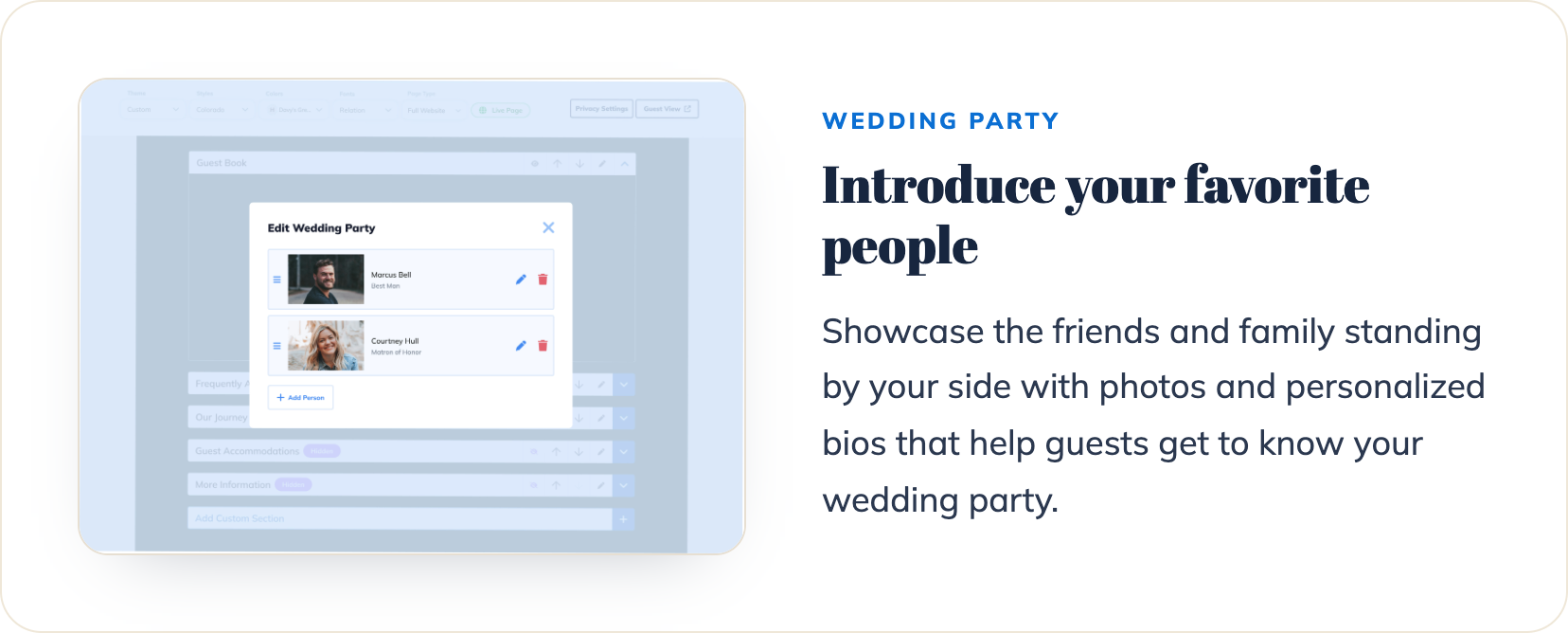
3. Introduce your favorite people
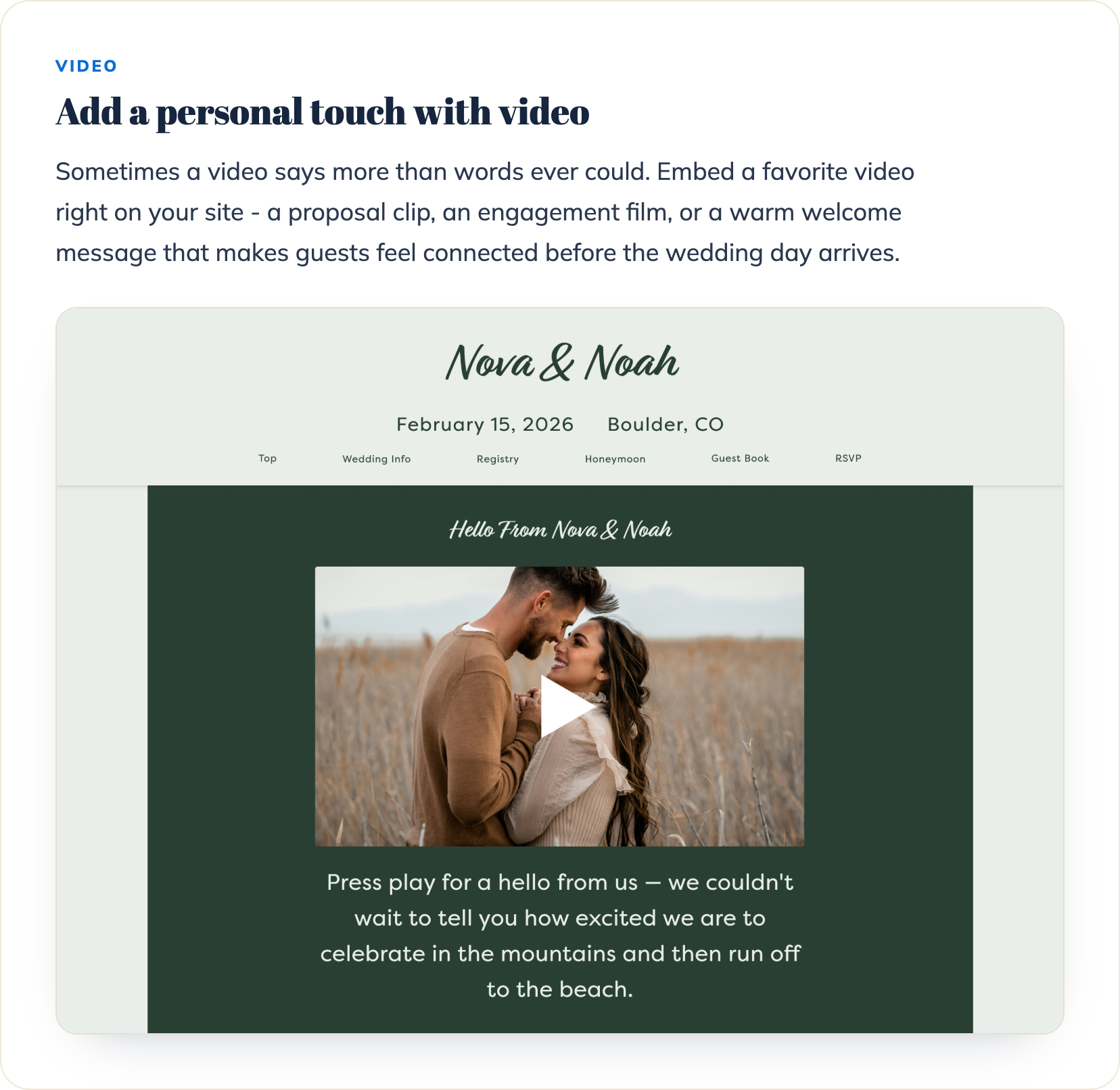
4. Add a personal touch with video
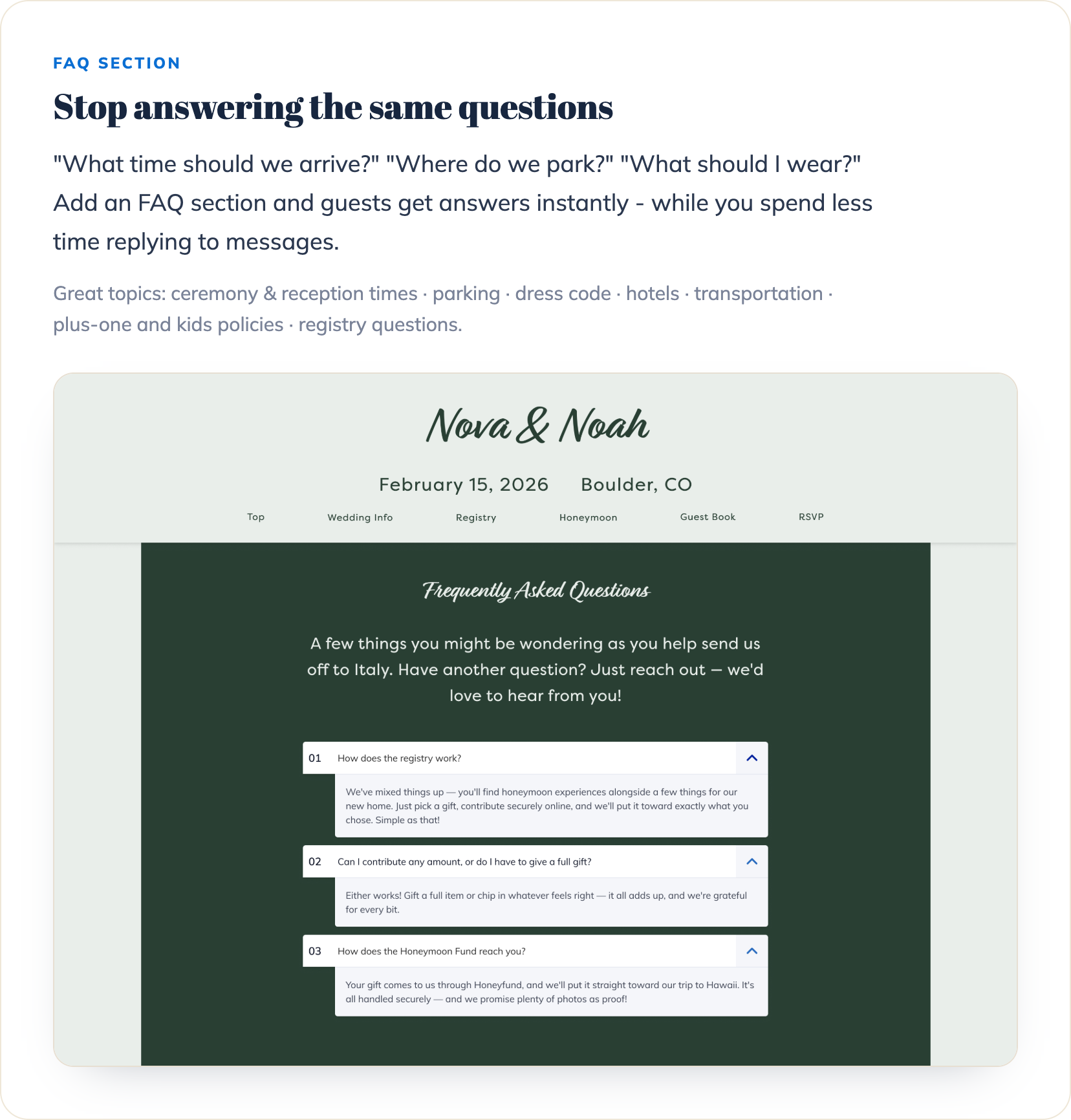
5. Stop answering the same questions
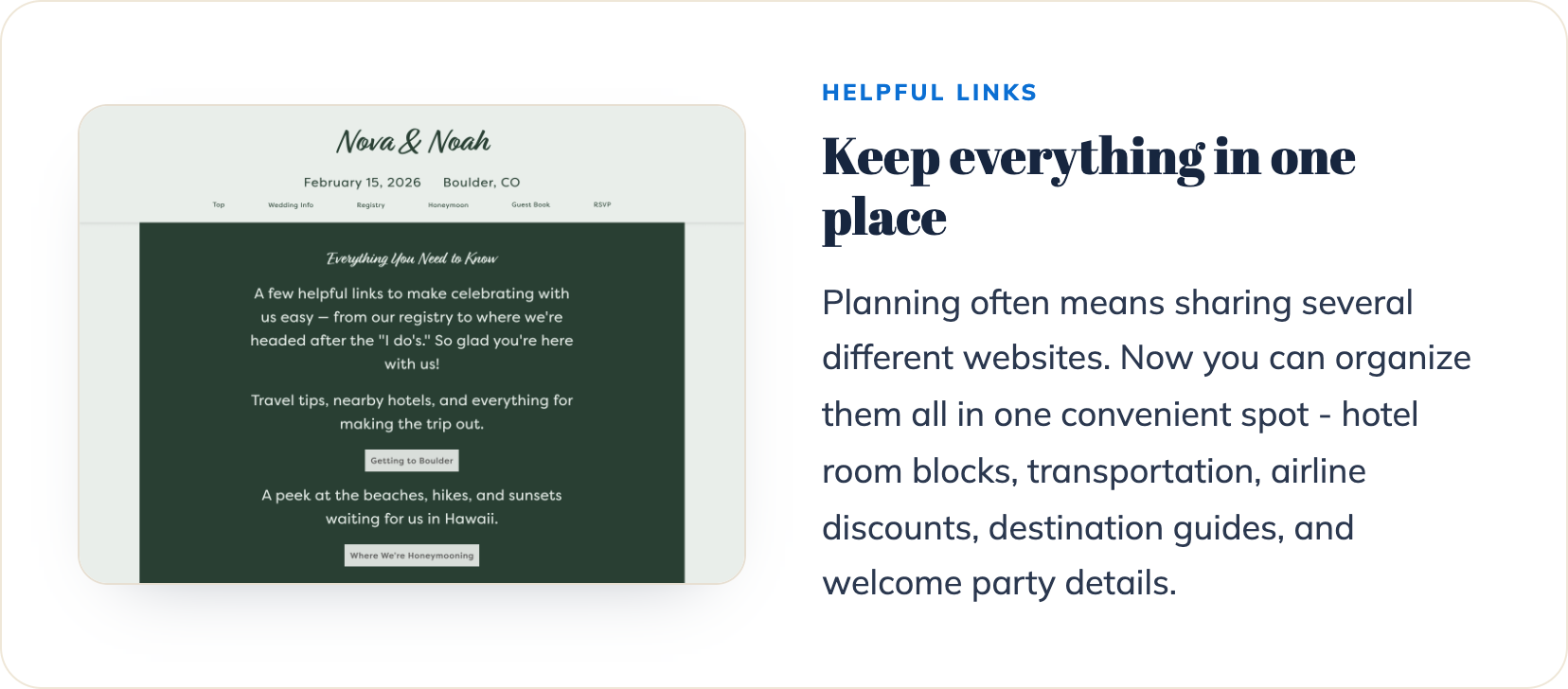
6. Keep everything in one place
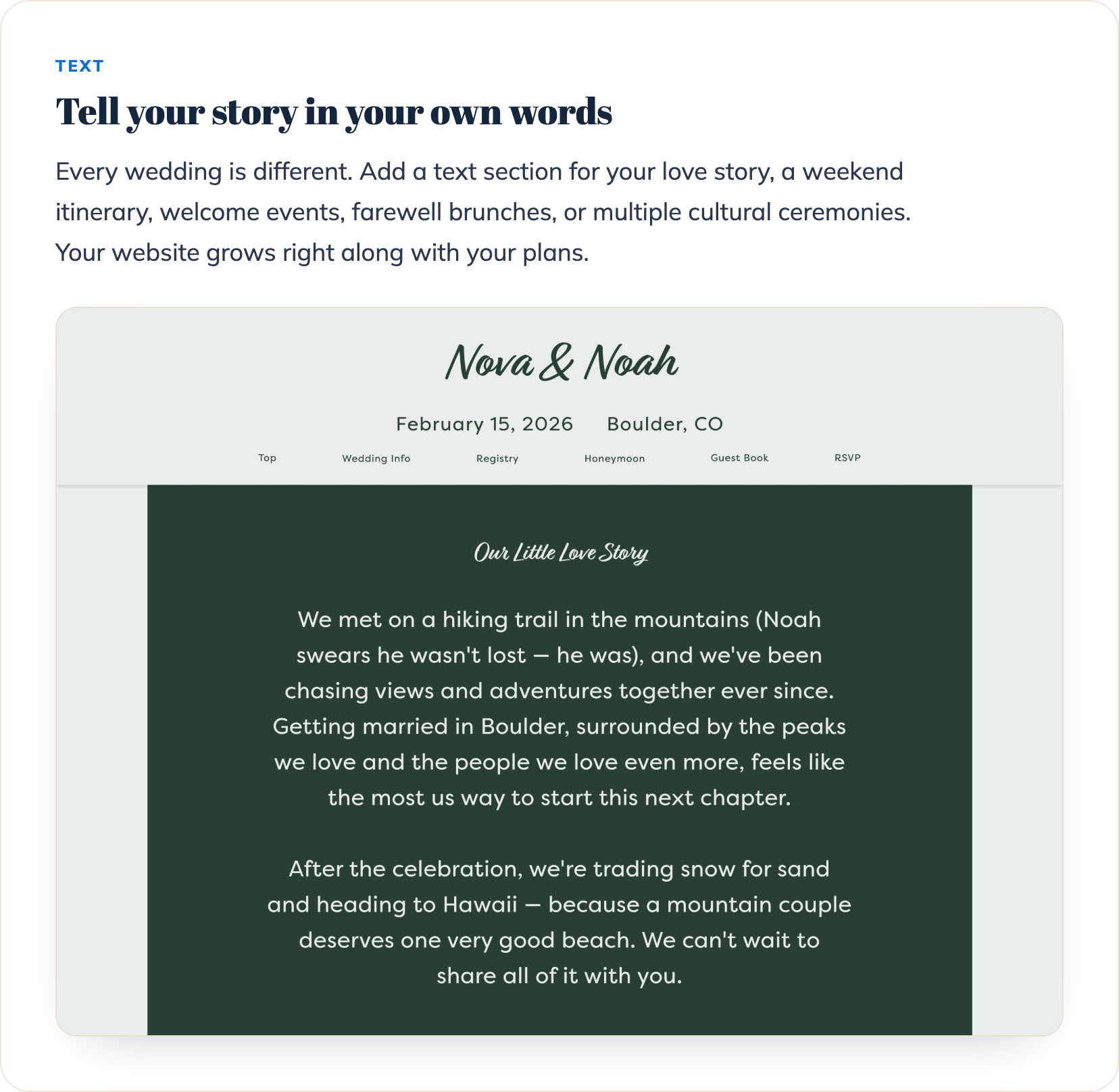
7. Tell your story in your own words
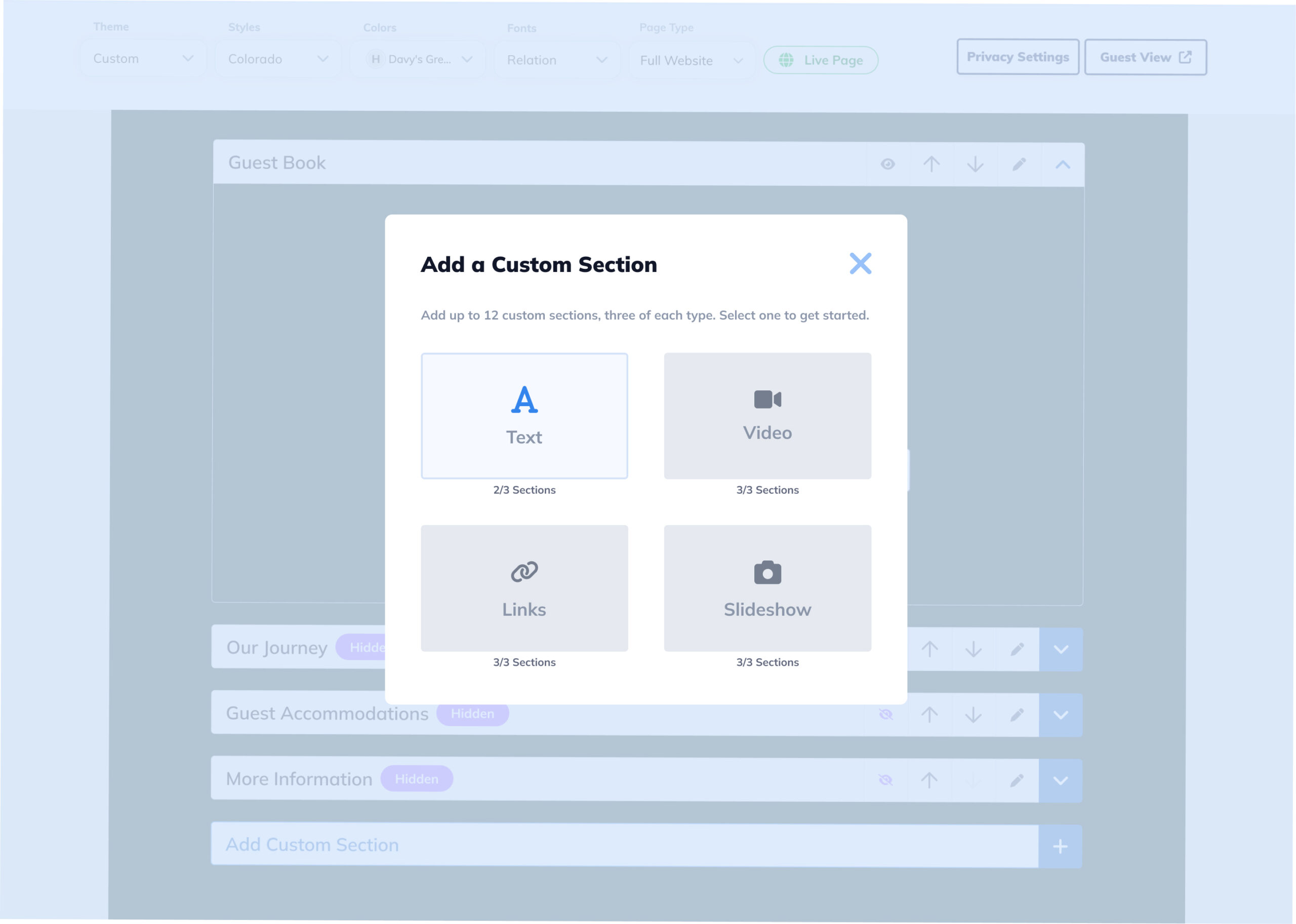
How to add the new sections
- Log in to your Honeyfund account.
- Click on “Your Page.”
- Select Add Custom Section.
- Choose a section: Text, Video, Links, or Slideshow.
- Personalize your content.
- Publish and share your website with guests.
Make your dream honeymoon a reality.
Sign up for Honeyfund today and start receiving cash gifts for your wedding and honeymoon.
Start Your Registry