

You’ve decided on your dream honeymoon, set up your Honeyfund page, and now it’s time to make it work for you! The best way to spread the news about your Honeyfund is to send guests directly to it. Sharing on social or in an e-mail is easy. But what if you want to link to your wedding website? Here are instructions for the most popular sites.
Not sure which wedding website to use? All four platforms below make it easy to link your Honeyfund registry:
The Knot:
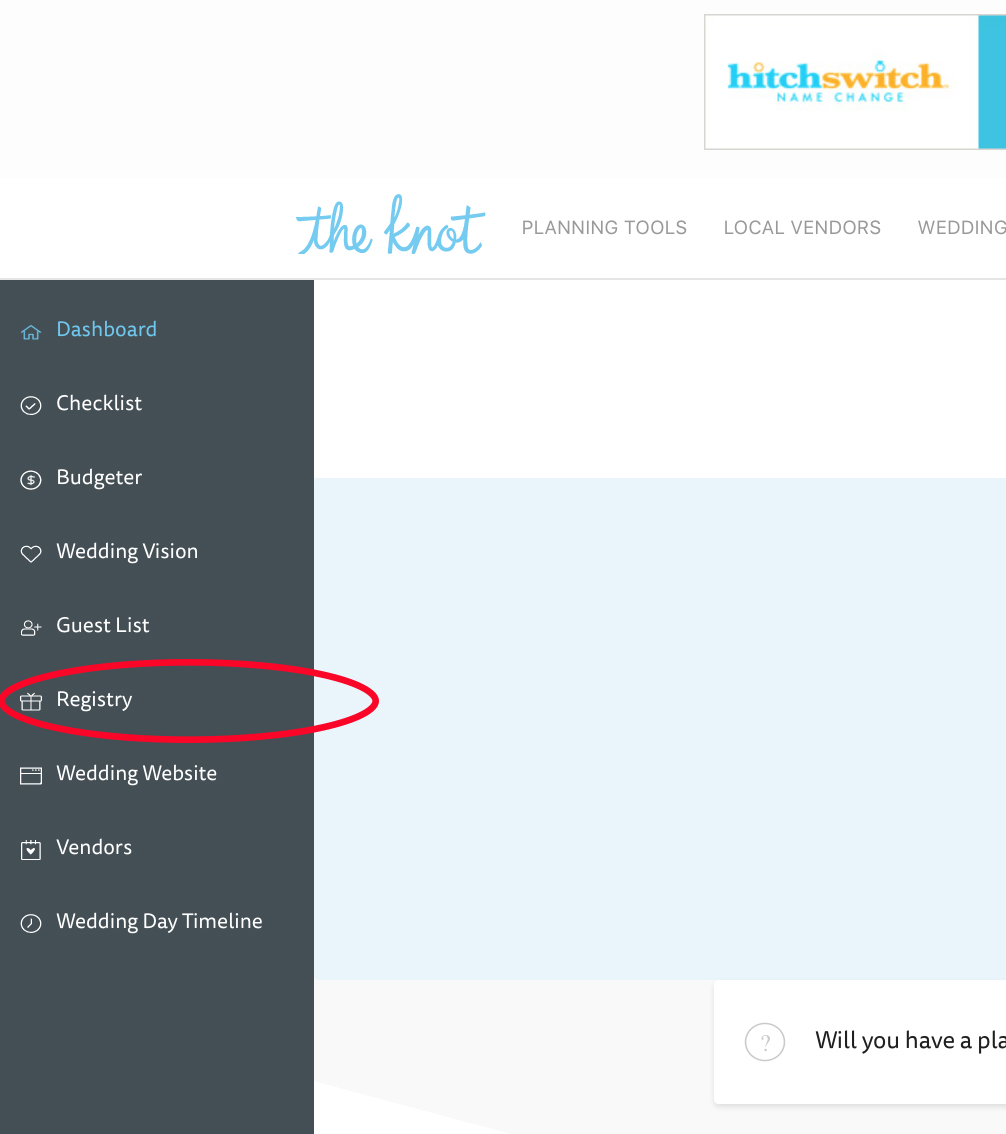
- Log into your Knot account then follow this link to Add a gift provider.
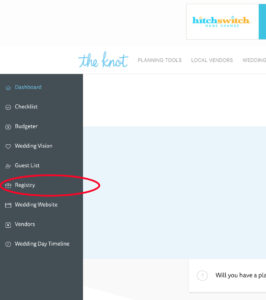
- Scroll down to Option Two “Link an Existing Registry”

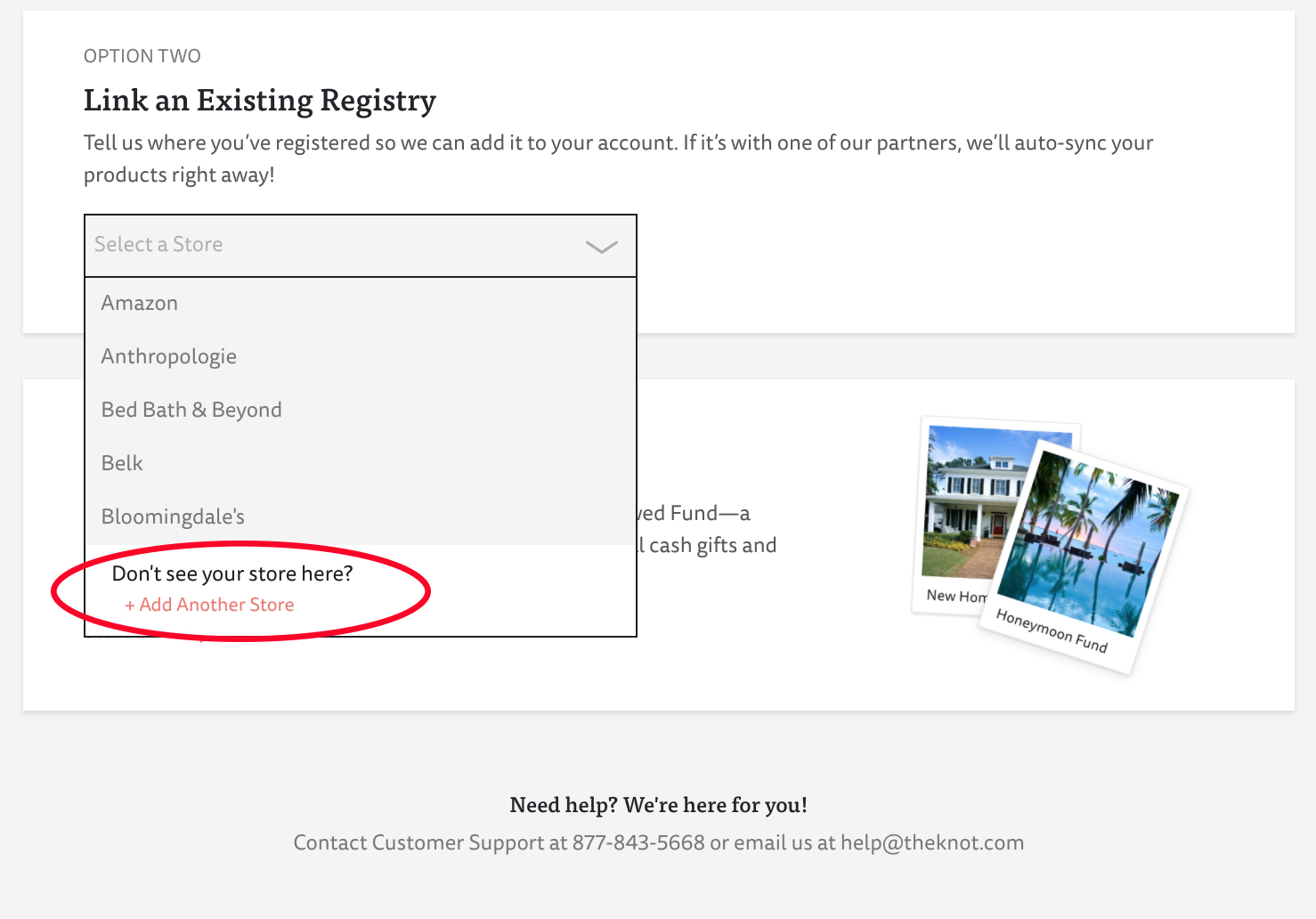
- Click the drop down menu that says “Select a Store”
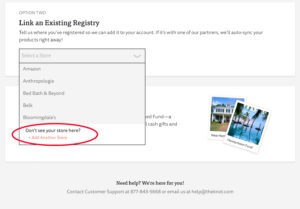
- Choose the bottom option “Don’t see your store? +Add Another Store”
- Fill out the form
- Store Name: Honeyfund
- Your Registry Link (find this by clicking the “Share” button in your account): www.honeyfund.com/site/_______
NOTE: The https:// is not needed
- Click the “Add it now” button when complete. Your Honeyfund should now be displayed in the section “Your Gift Providers”

Wedding Wire:
- Login to your Wedding Wire account and follow this like to edit your wedding website.
- Click “Registry” from the menu on the left
- Click “Add Registry”
- Click the box that says
- OR, click “Add a Section” and then select “Text.”
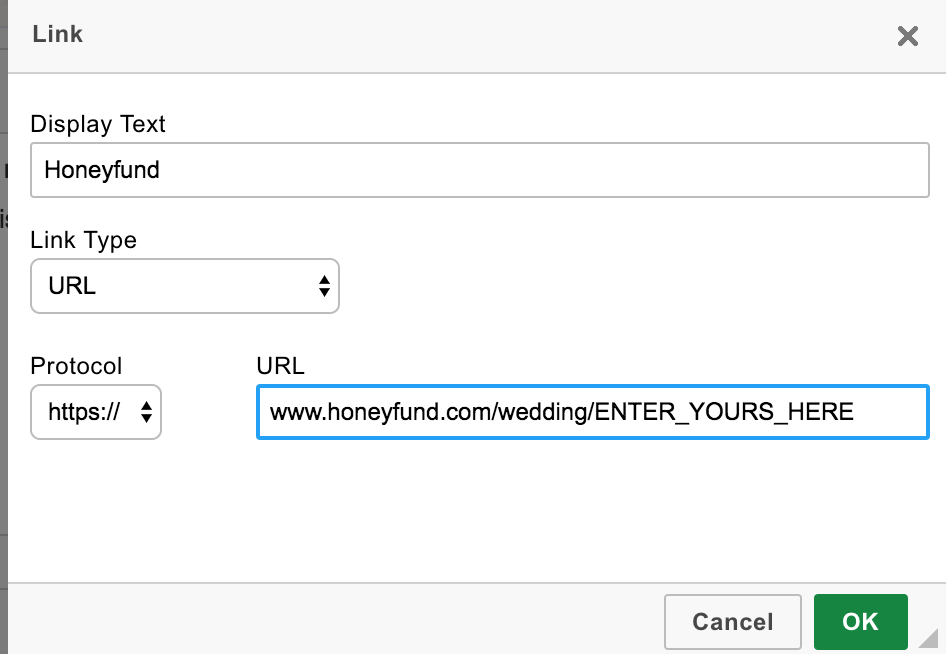
- Click the Link icon in the Text editing wizard.
- Name your link “Honeyfund”
- Choose the link type: URL
- Choose https:// for the Protocol option
- Enter your URL starting with www.honeyfund.com/site/_______
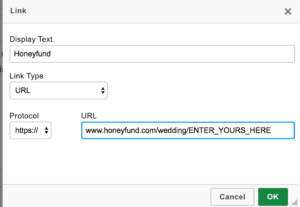
- Click the green check “OK” button to save this.
Zola:
- Log into your Zola account and go to your wedding website dashboard.
- Click “Registry” from the left-hand menu, then click “Add a Registry.”
- Select “Add Another Registry” or “Add a Store,” then choose “Add a store we don’t have” (wording may vary slightly by account type).
- Fill out the form:
- Store Name: Honeyfund
- Your Registry Link (find this by clicking the “Share” button in your account): www.honeyfund.com/site/_______
- Save your changes. Honeyfund should now appear in your list of registries.
Joy (WithJoy):
- Go to “Manage” under Registry on your admin dashboard.
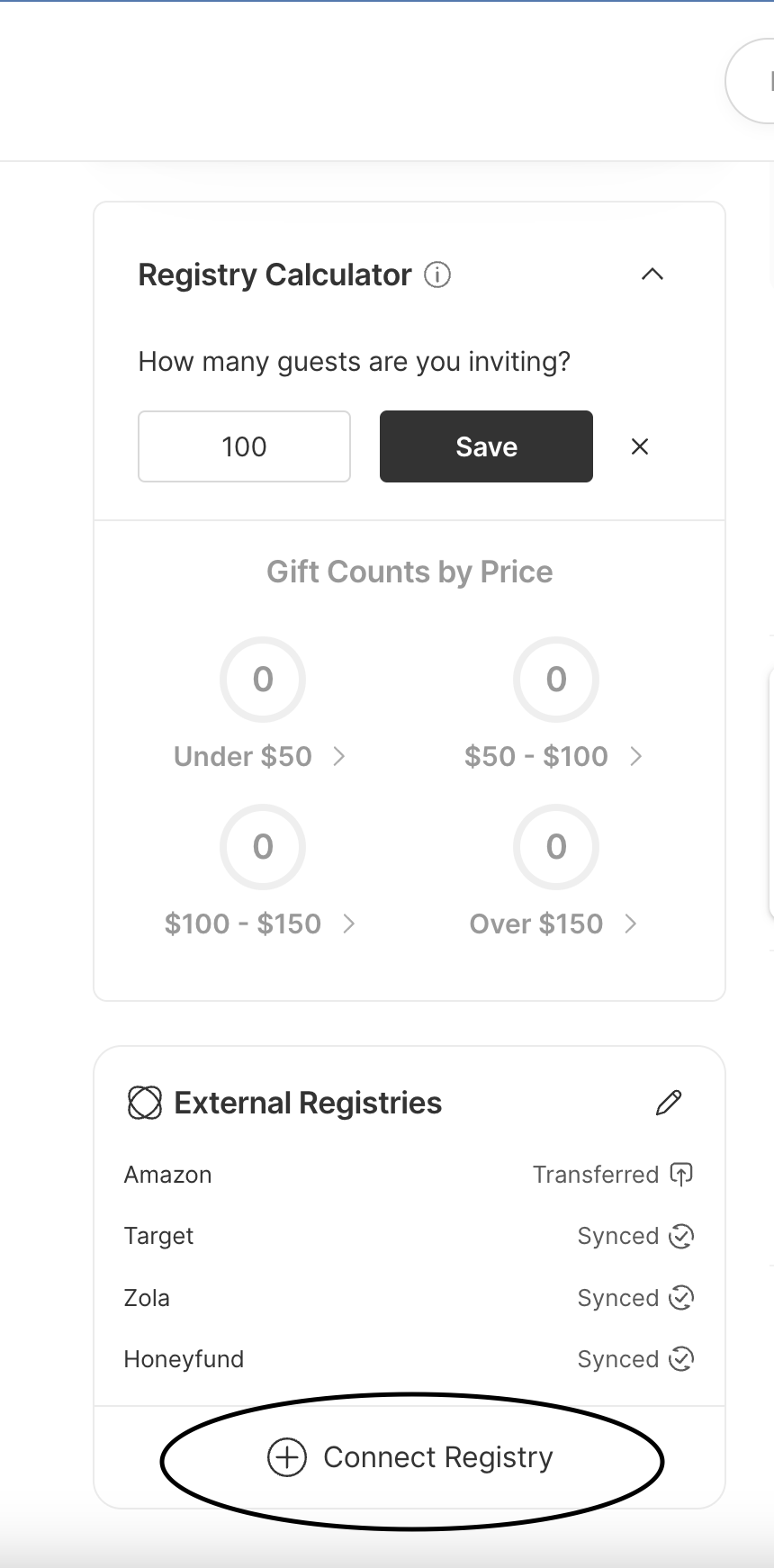
- Scroll down, and on the left side panel, and click “Connect a Registry”:
3. Select the registry you want to connect:
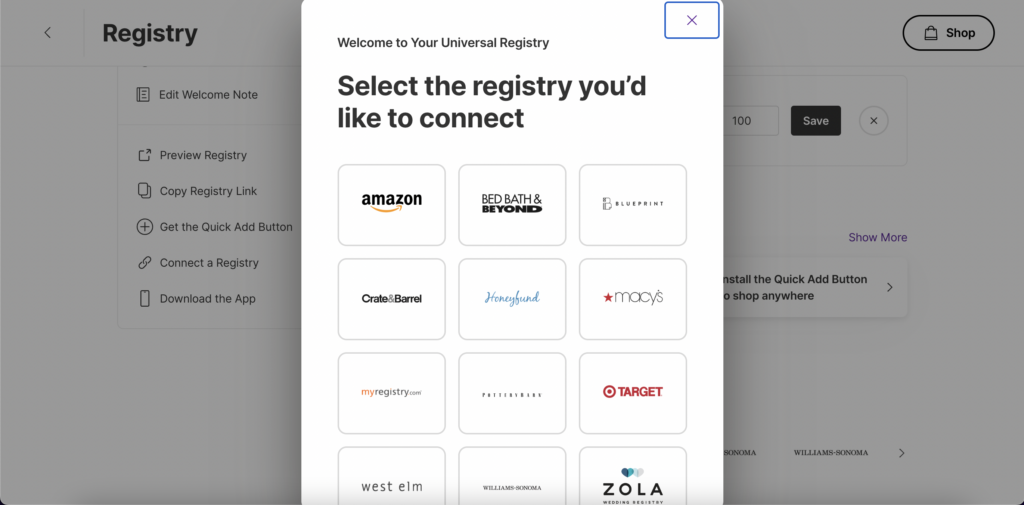
4. Enter your Honeyfund URL. Find this by clicking the “Share” button in your account (www.honeyfund.com/site/_______) and click “Connect Registry.”
Need more instructions or help? Contact Us
Now that your Honeyfund is live on your wedding website, start dreaming about what you’ll fund. Add these directly to your registry so guests can give toward exactly what you want:
Make your dream honeymoon a reality.
Sign up for Honeyfund today and start receiving cash gifts for your wedding and honeymoon.
Start Your Registry